Categorization
Trip Types
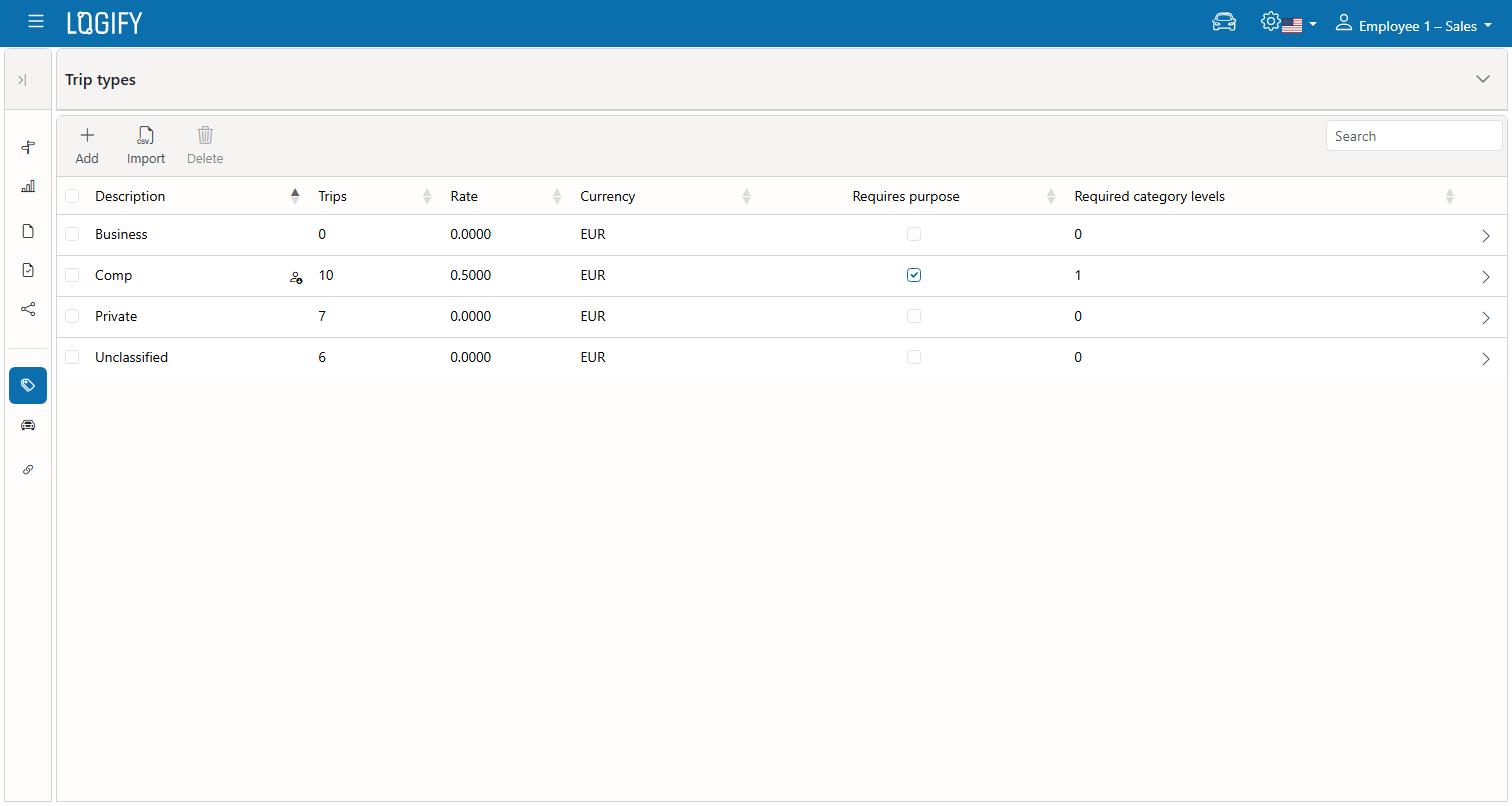
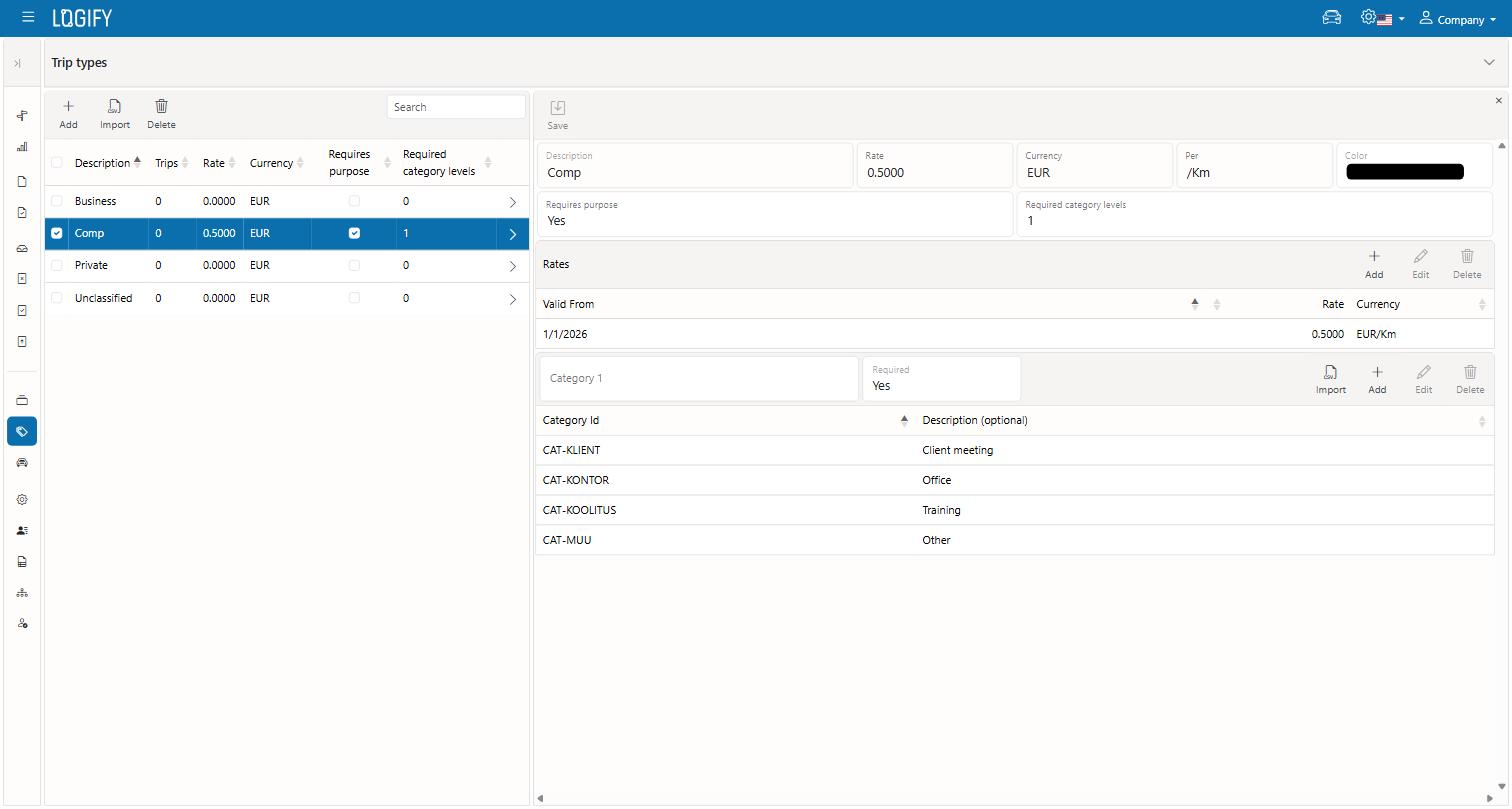
A Trip Type (e.g. "Business", "Private") determines how a trip is treated in reports. Each type has a name and a color, which helps tell trips apart in lists. A type can be configured so that:
- it requires a Purpose to be filled in — a free-text field asked for when the trip is recorded;
- it requires one or more Category levels — e.g. picking a client or project that the trip belongs to.
If a Trip Type requires a Purpose or Category but it's still missing, a report containing that trip can't be finished or shared until the missing information is filled in.
Vehicles
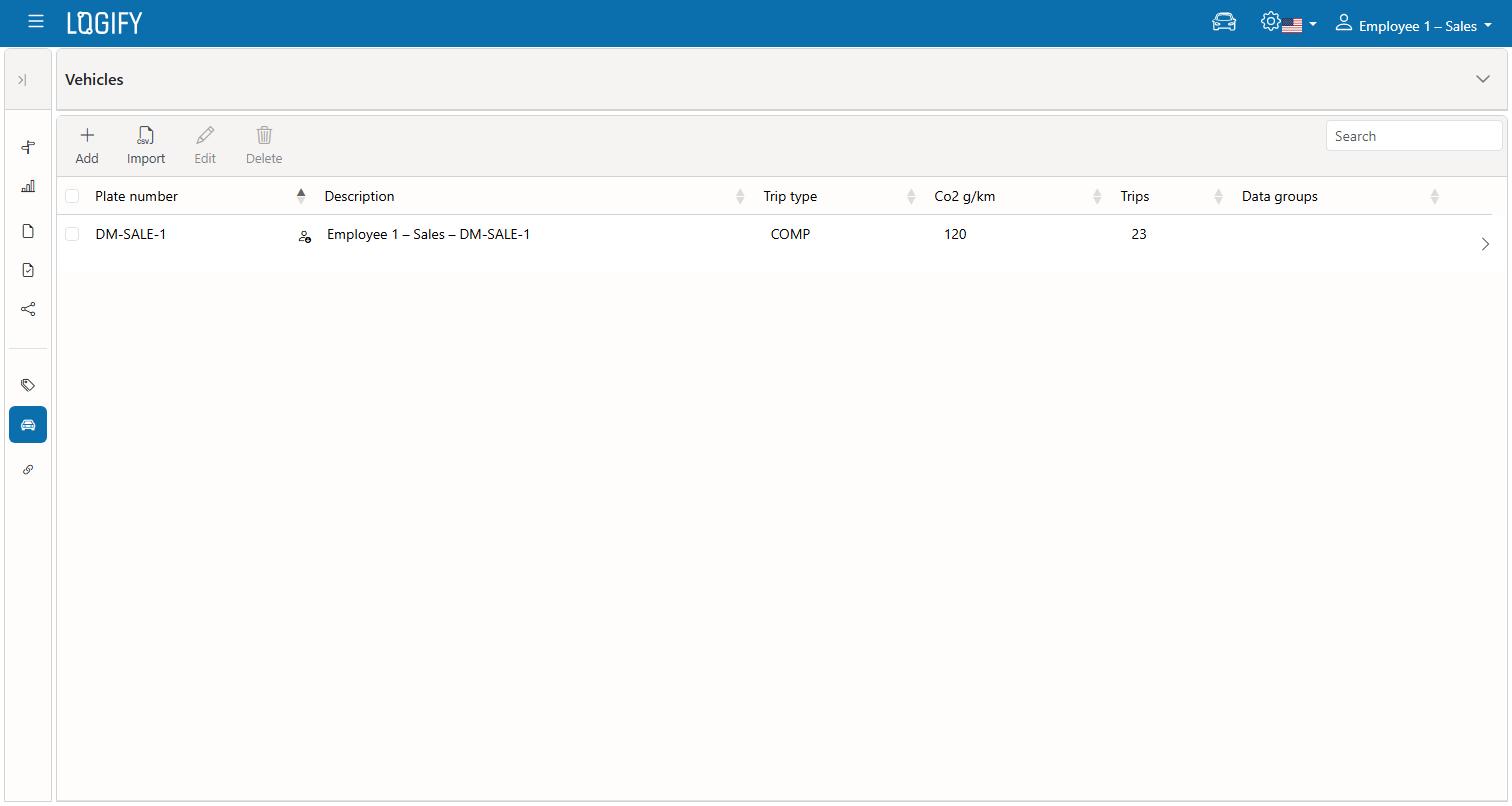
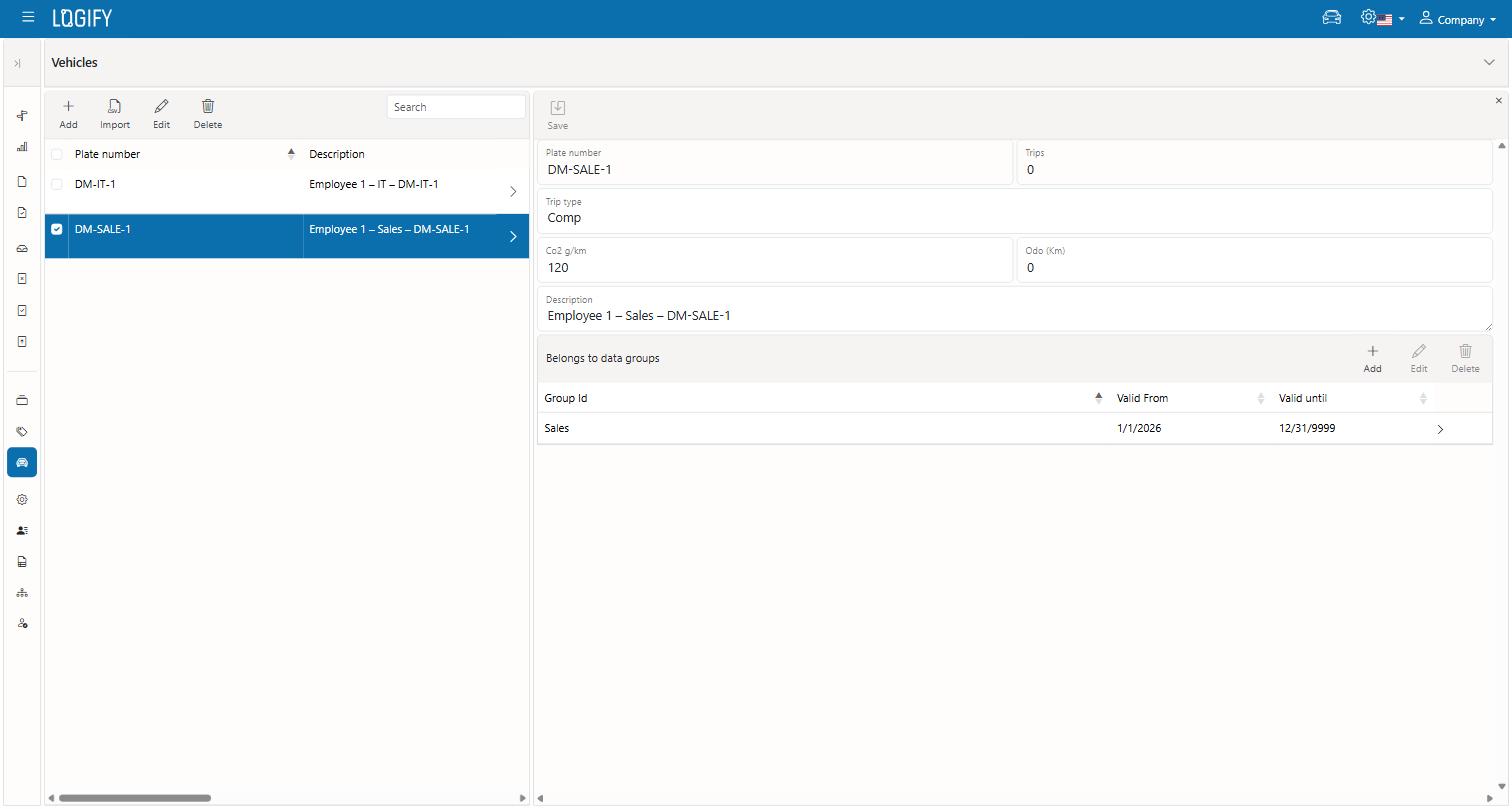
Each vehicle is identified by its license plate and has:
- a default Trip Type, used for newly recorded trips unless something else is chosen;
- an odometer reading — a calculated value that stays accurate only if you record every trip, or manually update it at each trip whose report needs an odometer reading; a detailed GPS track, however, is sufficient proof a trip took place, so you might consider giving up tracking the odometer reading;
- an optional CO2 figure used for reporting.
Vehicles can be added from the web or from the mobile app — both sync with each other.